How to Build an LTE (Lease-to-Elect)
It's less a payment plan and more an option: instead of financing one specific asset today, you commit an investment amount per choice, reserve as many candidates as you like, and give yourself a window — anywhere from a month to two years — to actually decide. When the window closes, whatever you've elected is what you end up with; the rest is released.
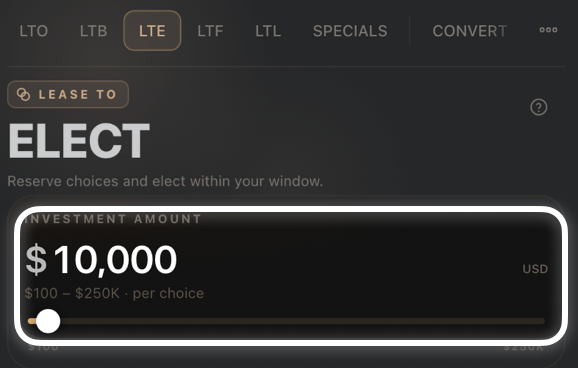
Step 1 — Set your investment amount
Drag the Investment Amount slider to set how much you're committing per choice ($100–$250K).
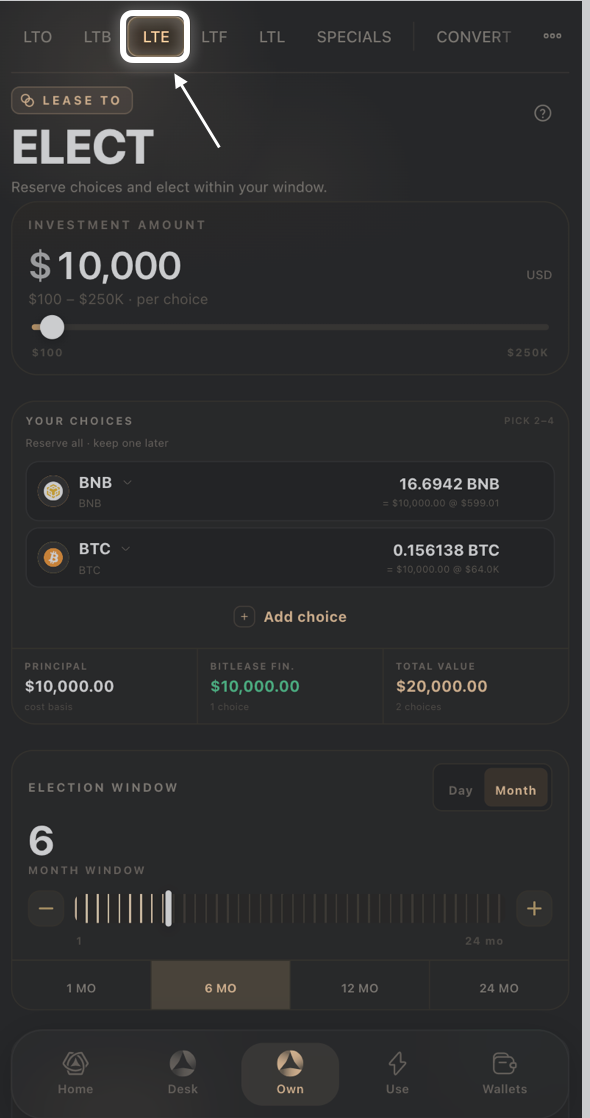
From the Own tab, select LTE.
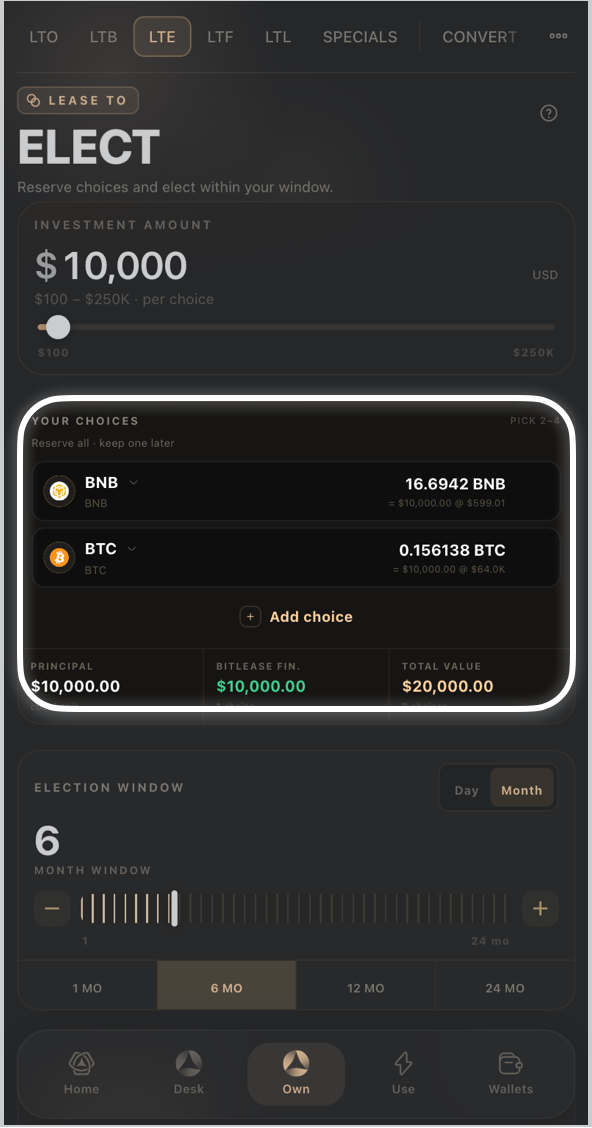
Step 2 — Add your choices
- Under Your Choices, each asset you add (for example BNB, BTC, ETH) is reserved at your investment amount.
- Tap Add choice to reserve another asset, or the trash icon to remove one.
- The Principal, BitLease Fin, and Total Value cards below update as you add choices — BitLease Fin scales with how many choices you're reserving.
Step 3 — Set your election window
- Toggle Day or Month for how the window is measured.
- Use the slider or the 1 MO / 6 MO / 12 MO / 24 MO presets to set how long you have to elect.
- The Conditional Sale Price updates based on your window length, shown with a No Monthly badge — there's no recurring installment on this product.
Step 4 — Review & sign
Tap Full Breakdown to see the complete math, check the HyperHedge Audit indicator, then confirm to reserve your choices.
Good to know:
- Your investment amount applies per choice, not split across them — reserving 3 assets at $46,600 each commits more capital than reserving 1.
- You elect which asset you actually want within your chosen window; unelected choices are released when the window closes.
Need Help?
If you encounter issues during account creation, contact BitLease Support:
- Email: support@bitlease.com
- Subject: "LTE Election Issue"
- Include: A description of the problem, any error messages, and steps you've already tried.
- Response Time: Within 24 hours.
For urgent security concerns, email: security@bitlease.com.
Related articles: How to Build an LTB (Lease-to-Bundle) · How to Build an LTF (Lease-to-Forward) · A Tour of the Own Tab